One rights layer for every image you publish
Overview
Metapyxl combines a secure asset Vault, a browser verification layer, and an open API into one connected workflow for protecting, licensing, monitoring, and proving image rights.
One platform, two ways in.
Use the Vault and Lens directly through the SaaS, or connect Metapyxl into your existing workflow through the API.
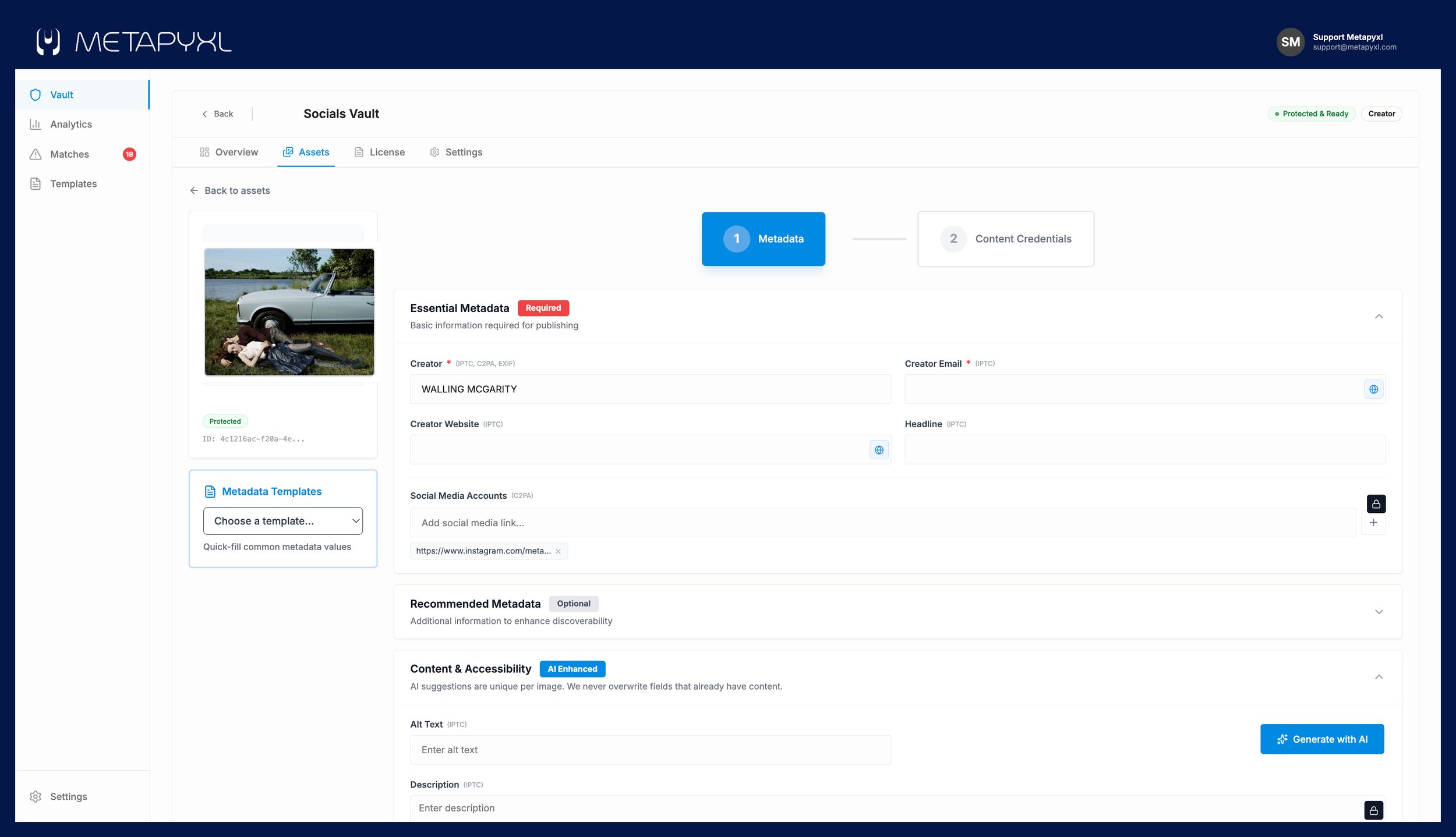
Upload images and add ownership and creator metadata
Set license type, usage terms, and AI permissions per asset
Apply forensic watermarking and C2PA content credentials
Publish and download protected versions
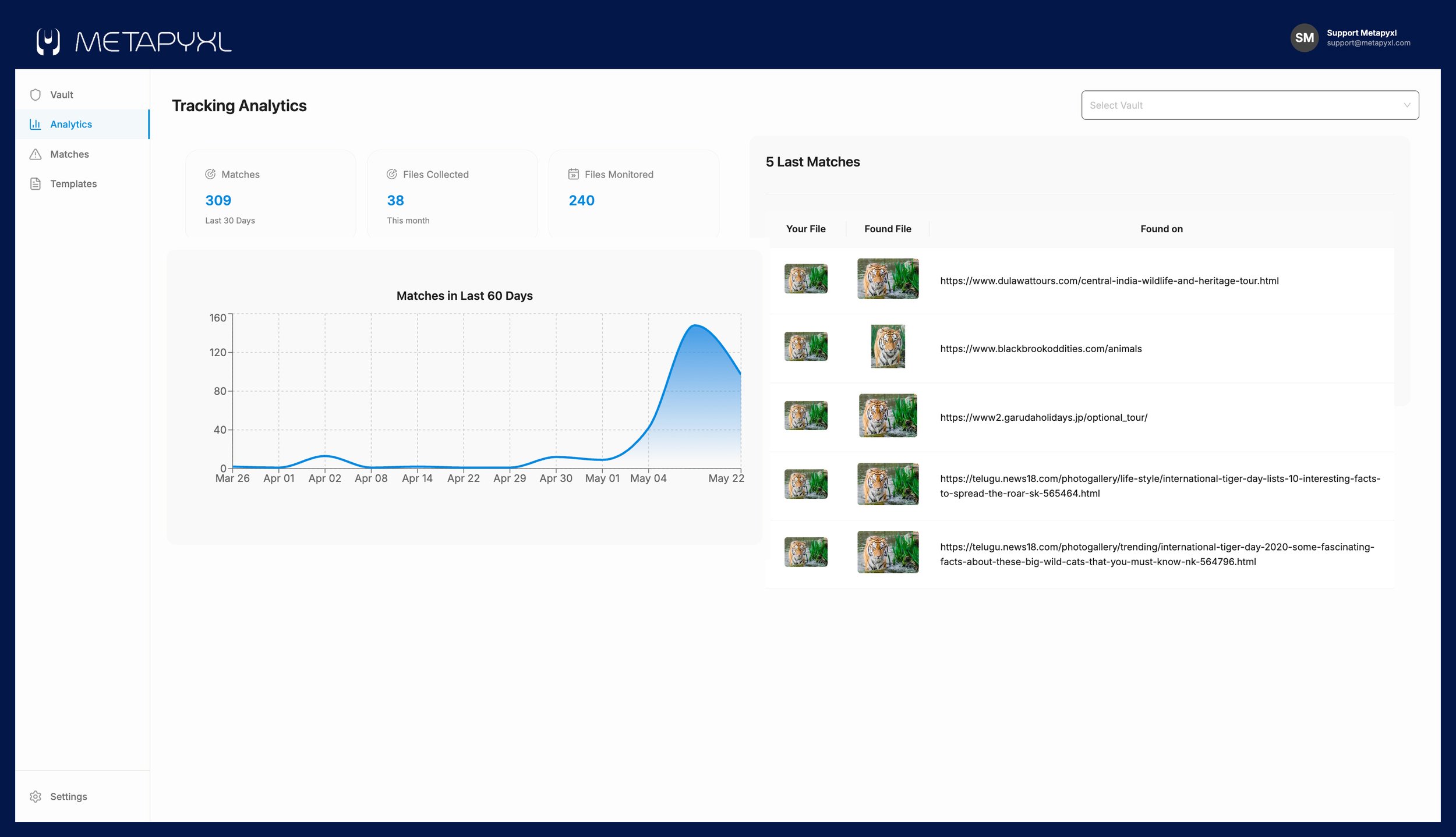
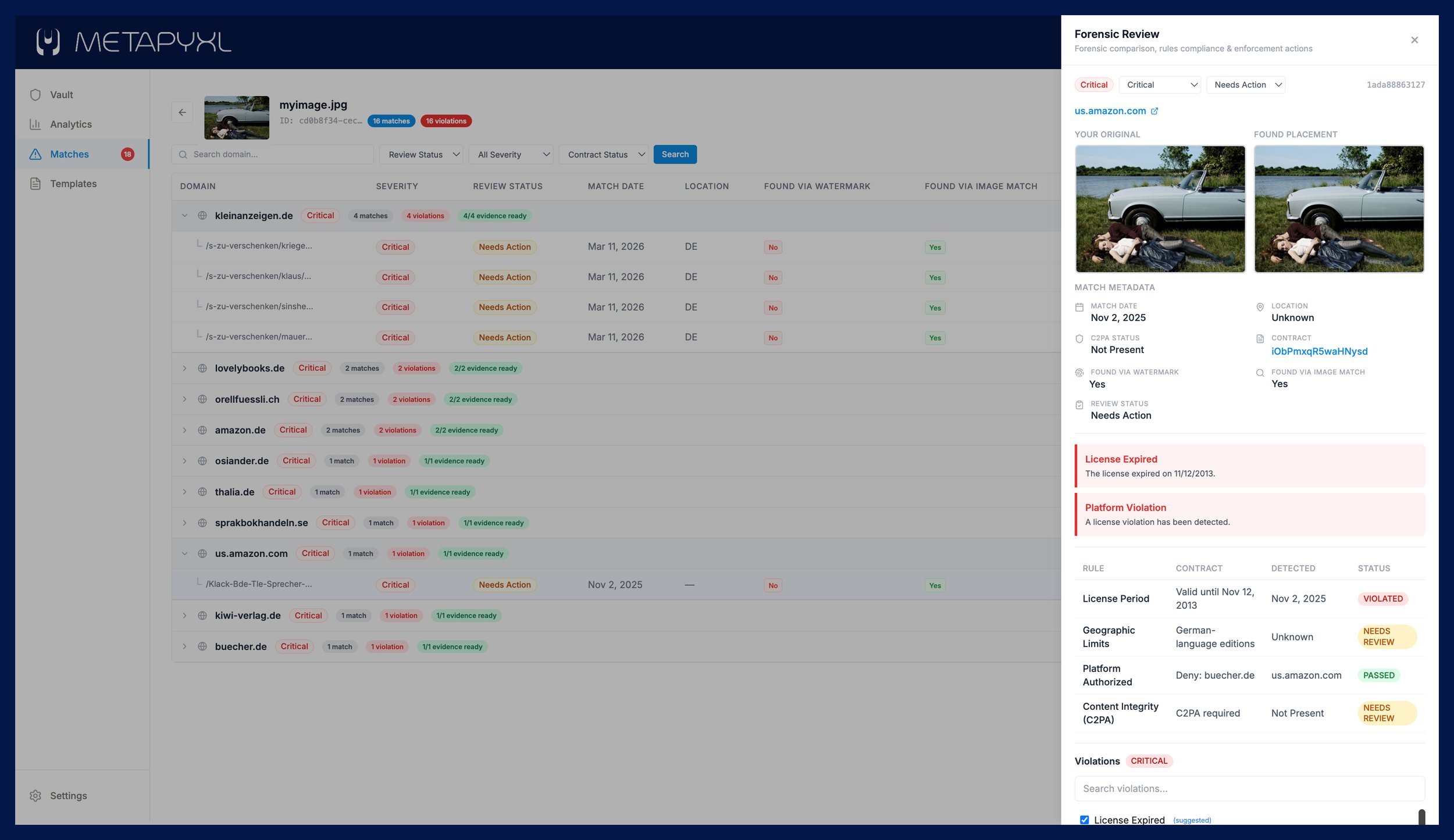
Review matches, label violations, generate evidence packets
Create signed contracts and manage expiration tracking
Metapyxl Vault
Where ownership, licensing, and protection begin.
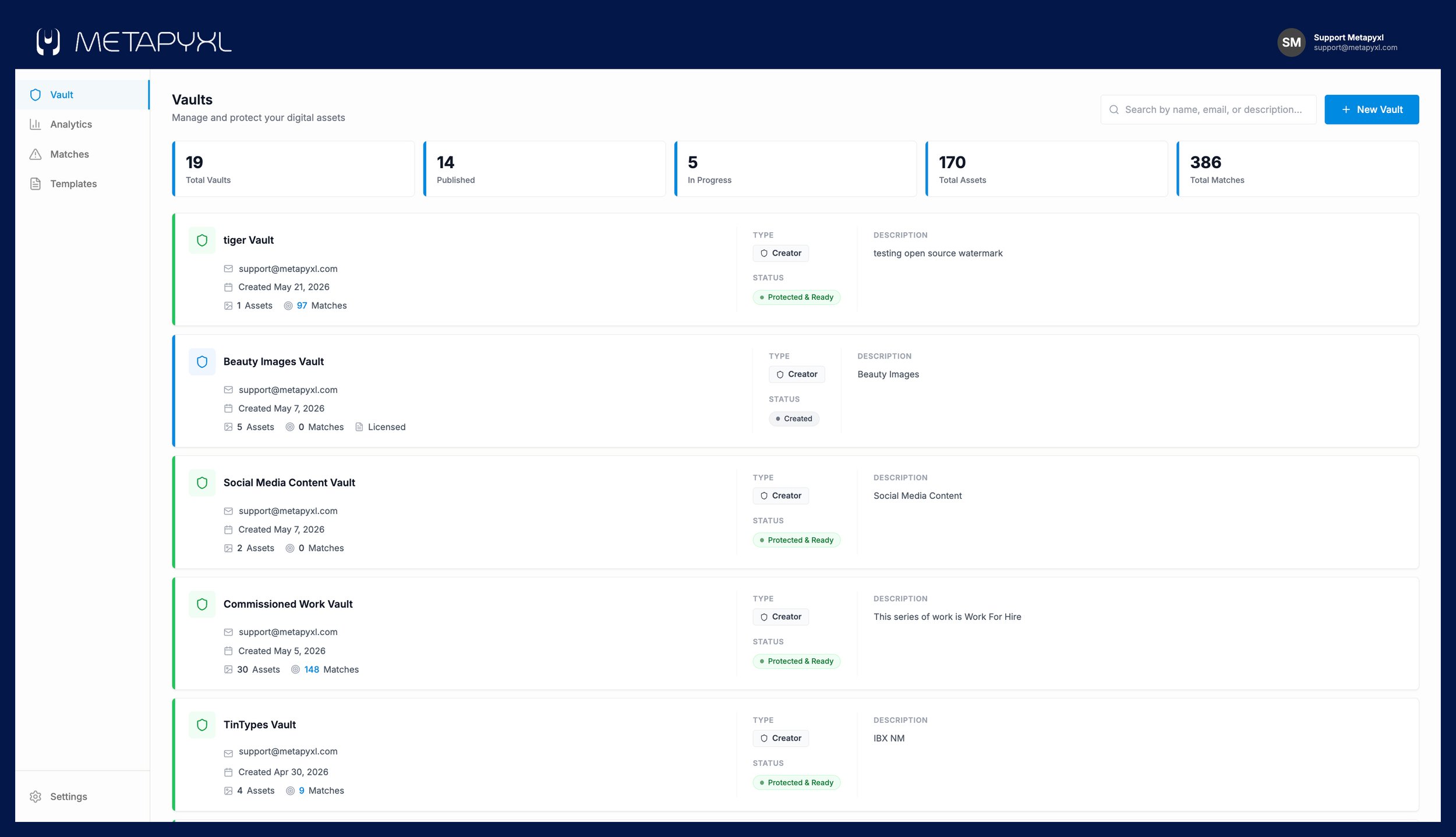
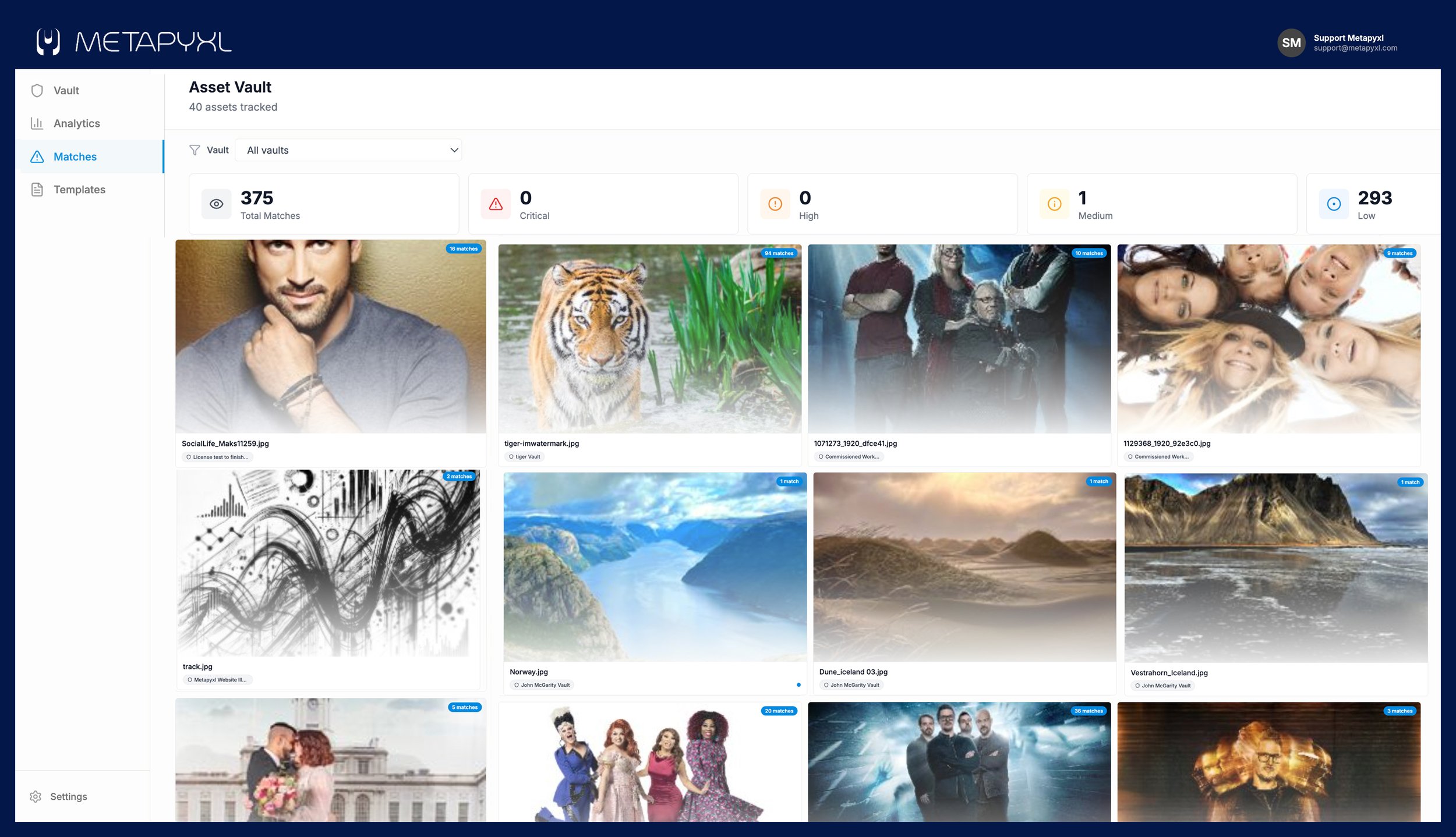
The Vault is your system of record. Upload images, attach metadata, define licensing terms, set AI usage permissions, apply forensic watermarks and C2PA credentials, then publish and distribute protected assets.

Metapyxl Lens
Image rights made visible in the browser.
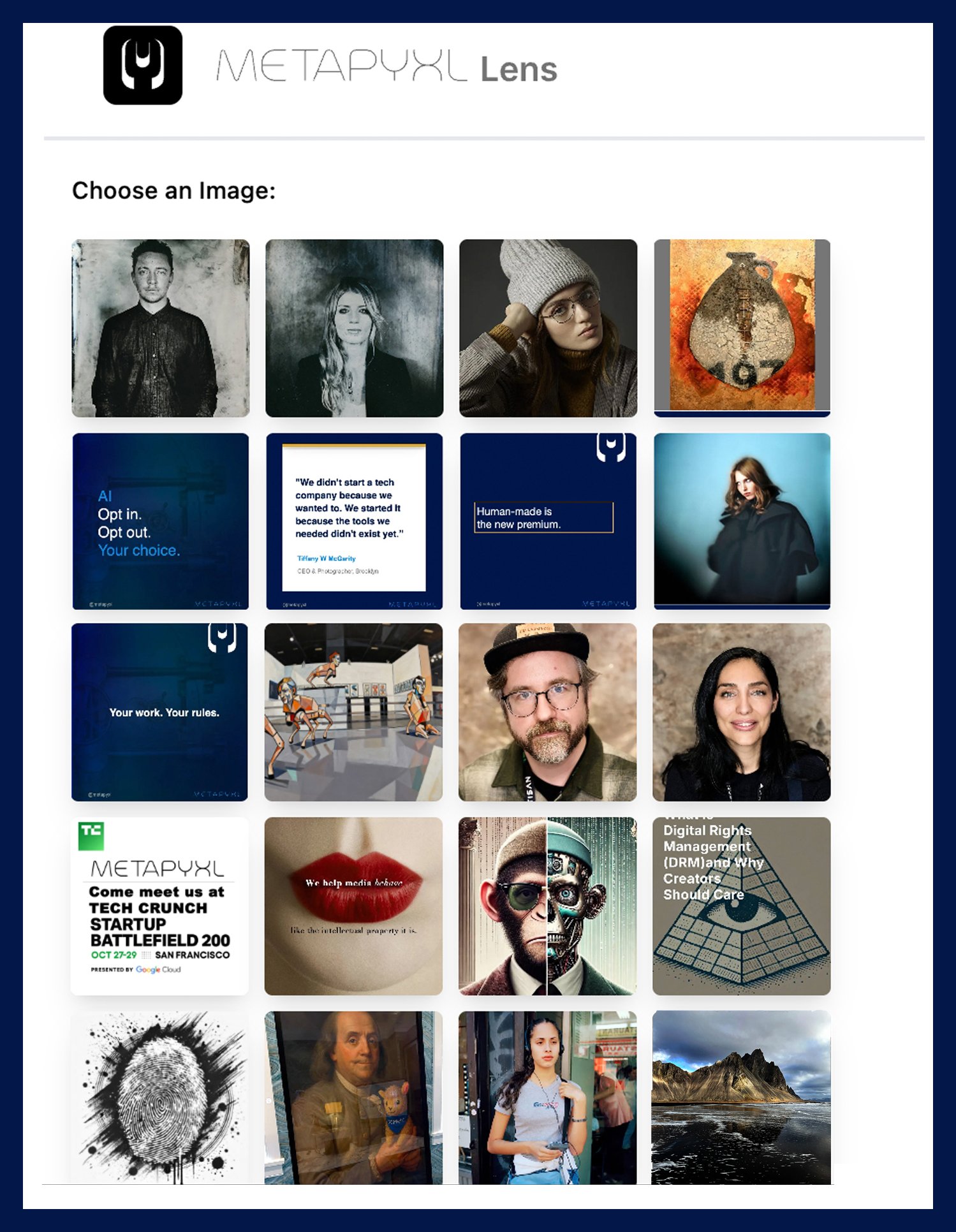
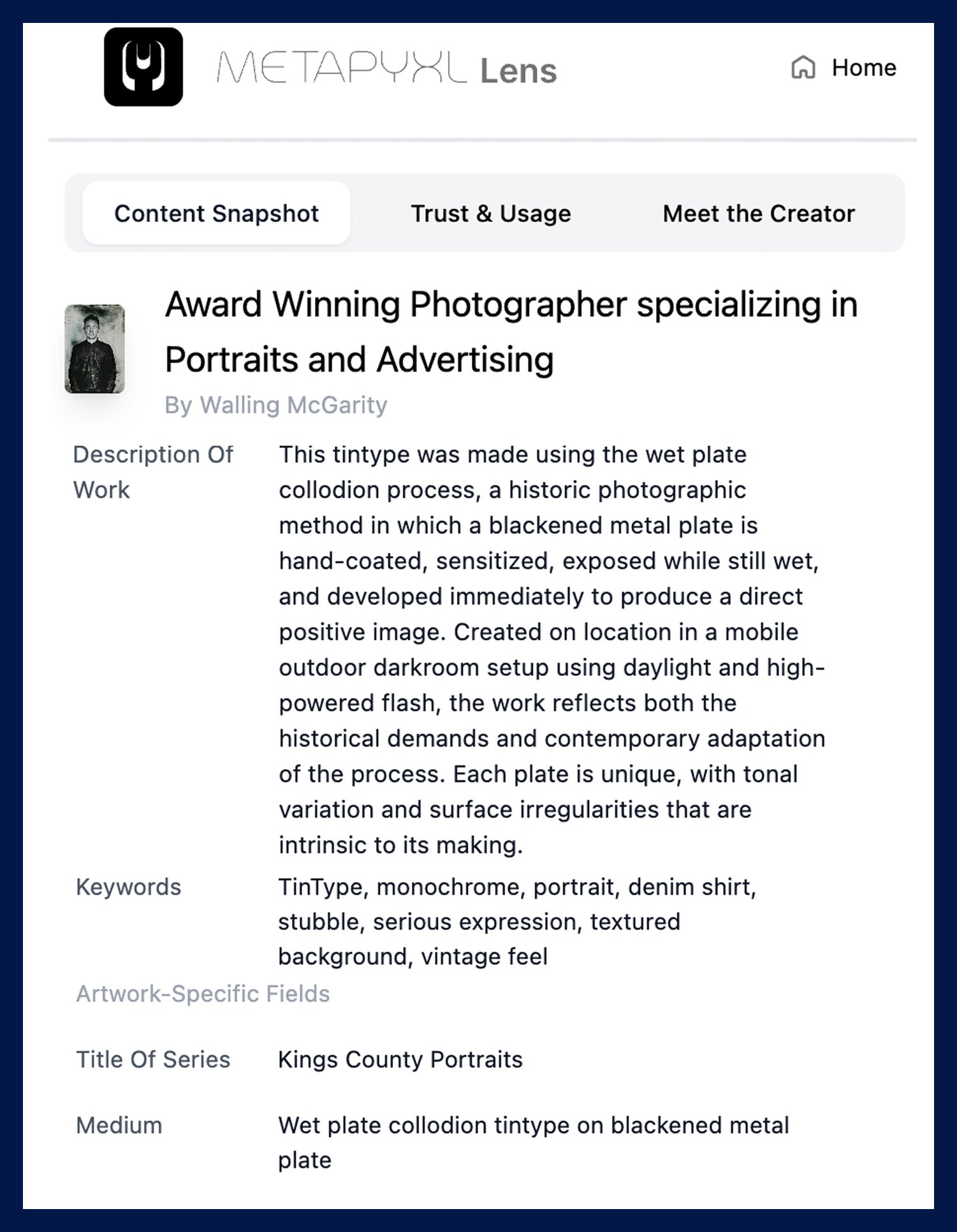
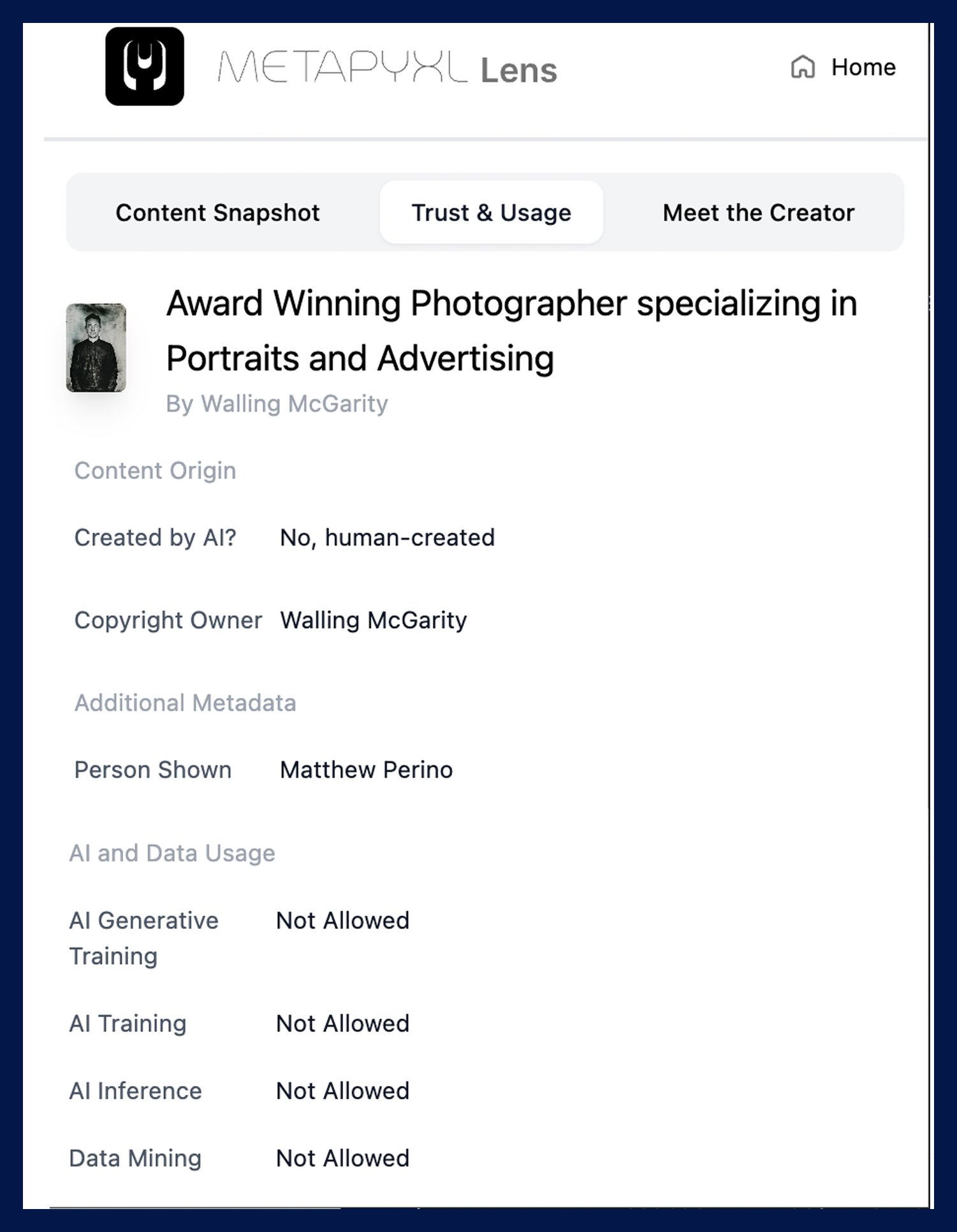
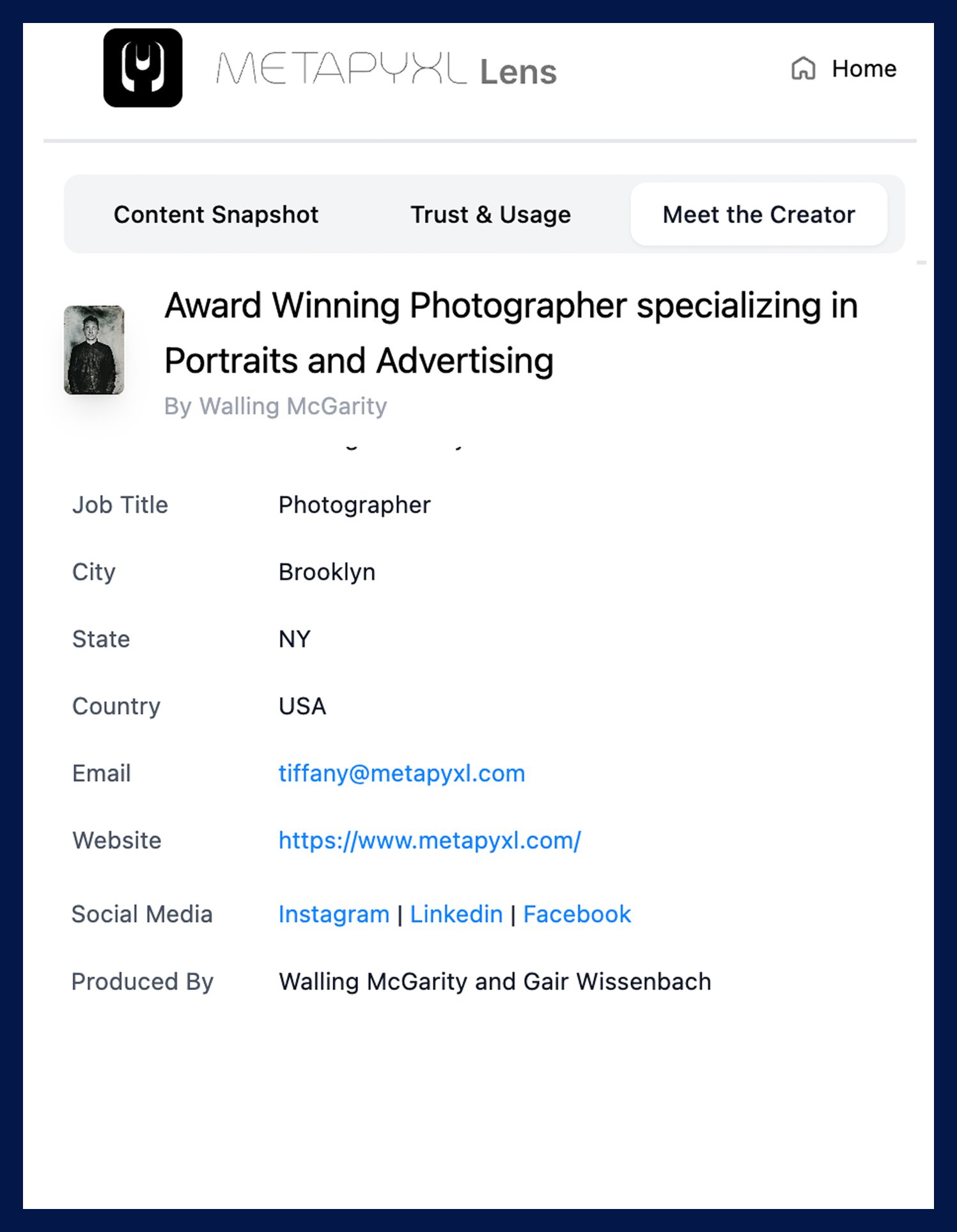
Lens is a free Chrome extension that lets anyone inspect a Metapyxl-protected image and see the ownership record, licensing terms, AI usage status, and creator details directly in the browser without leaving the page.
Works on Metapyxl-protected images in Chrome, Brave, and Comet
Content Snapshot: title, description, creator, alt text
Trust and Usage: license type, copyright owner, verification link
Meet the Creator: name, website, social, contact details
C2PA manifest support and soft-binding to Vault records

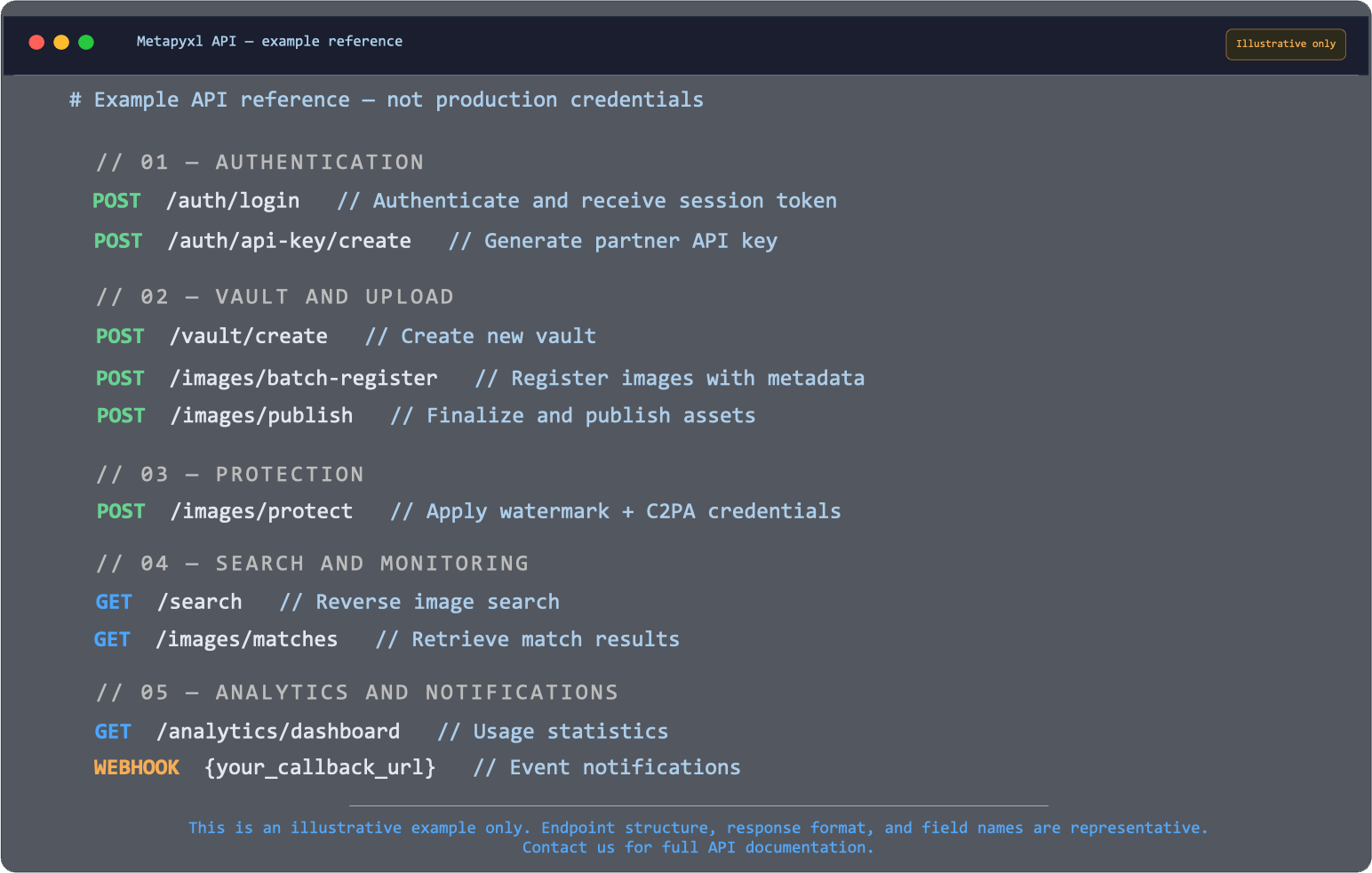
Live endpoints for authentication, upload, protection, and search
Batch image registration and metadata pipeline
Match retrieval, C2PA verification, and license checks
Analytics dashboard and download APIs
Webhook events for upload, license signed, match found
Partner API keys and configurable permissions
Metapyxl API
Image rights infrastructure inside your existing workflow.
Use Metapyxl APIs, webhooks, and partner keys to connect upload, protection, licensing, monitoring, analytics, and match notifications into DAMs, publishing systems, platforms, and enterprise content workflows.