Browser Extension
Product Overview
METAPYXL LENS: Bringing Trust & Transparency to Digital Content
Metapyxl Lens makes image rights visible in the browser.
Metapyxl Lens is a free browser extension that lets anyone inspect a Metapyxl-protected image and instantly see the full content record, ownership, licensing terms, AI usage permissions, and creator details, directly in the browser without leaving the page.
Built for Metapyxl Vault users and anyone who encounters protected images online, Lens displays ownership, copyright, licensing information, and AI usage permissions based on embedded details and permission settings. This ensures that content information is accurate, up-to-date, and aligned with how it's meant to be used.
Who is METAPYXL LENS for?
For image owners: See exactly how your rights context, licensing terms, and AI permissions appear to anyone viewing your work.
For rights teams and buyers: Verify licensing, ownership, and AI usage status before using or licensing an image.
For anyone: Understand who made it, whether it was human-created or AI-generated, and what the rules are.

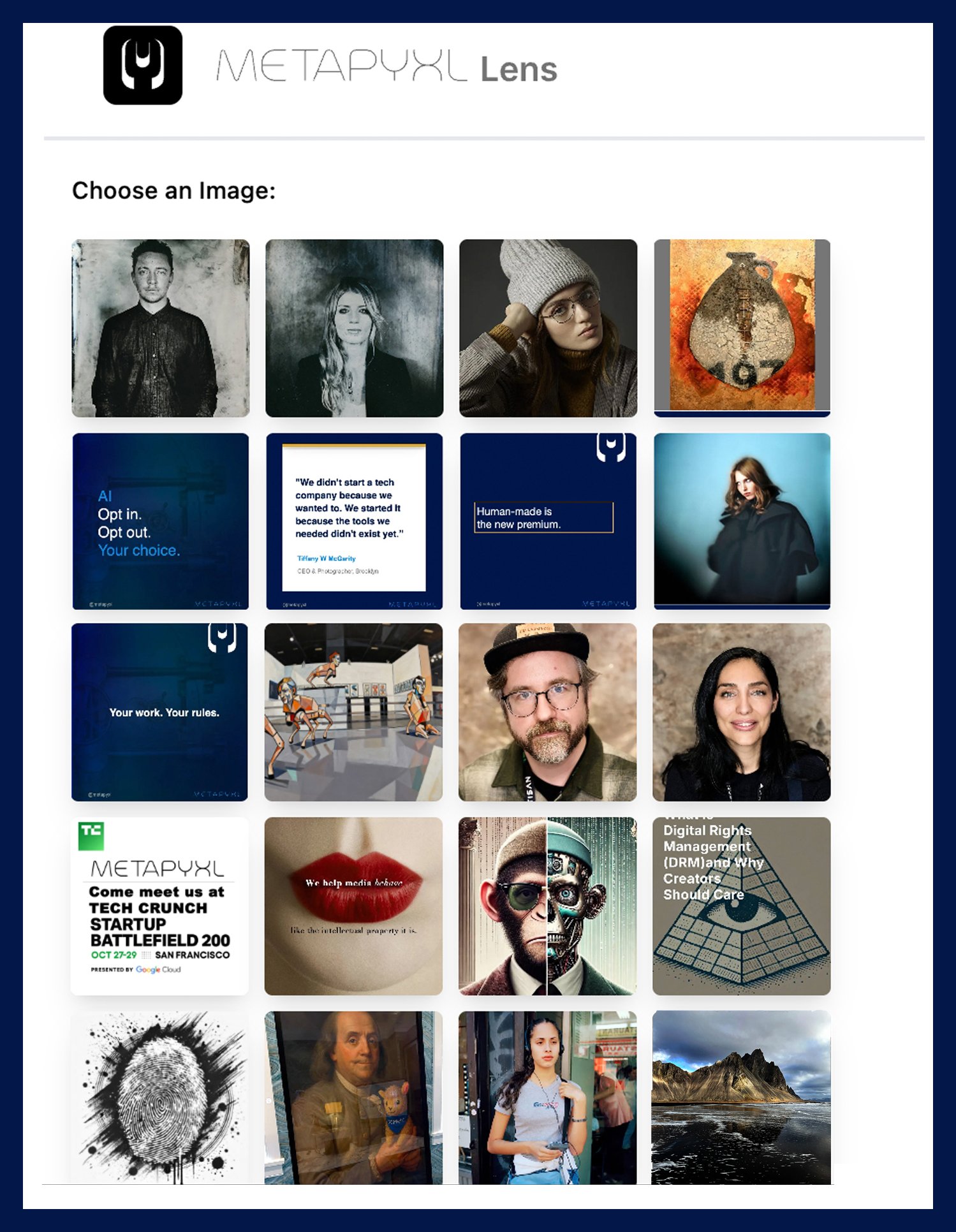
Choose an Image
How it Works
With Metapyxl Lens, you can choose from your Metapyxl protected images and instantly see the full rights record and uncover its embedded metadata, licensing information, and creator attribution.
Key Features:
Works across websites, social media, and digital platforms
No need to download the image, just hover or select an image
Ensures transparency in content attribution

Content Snapshot
See the Full Details Behind an Image.
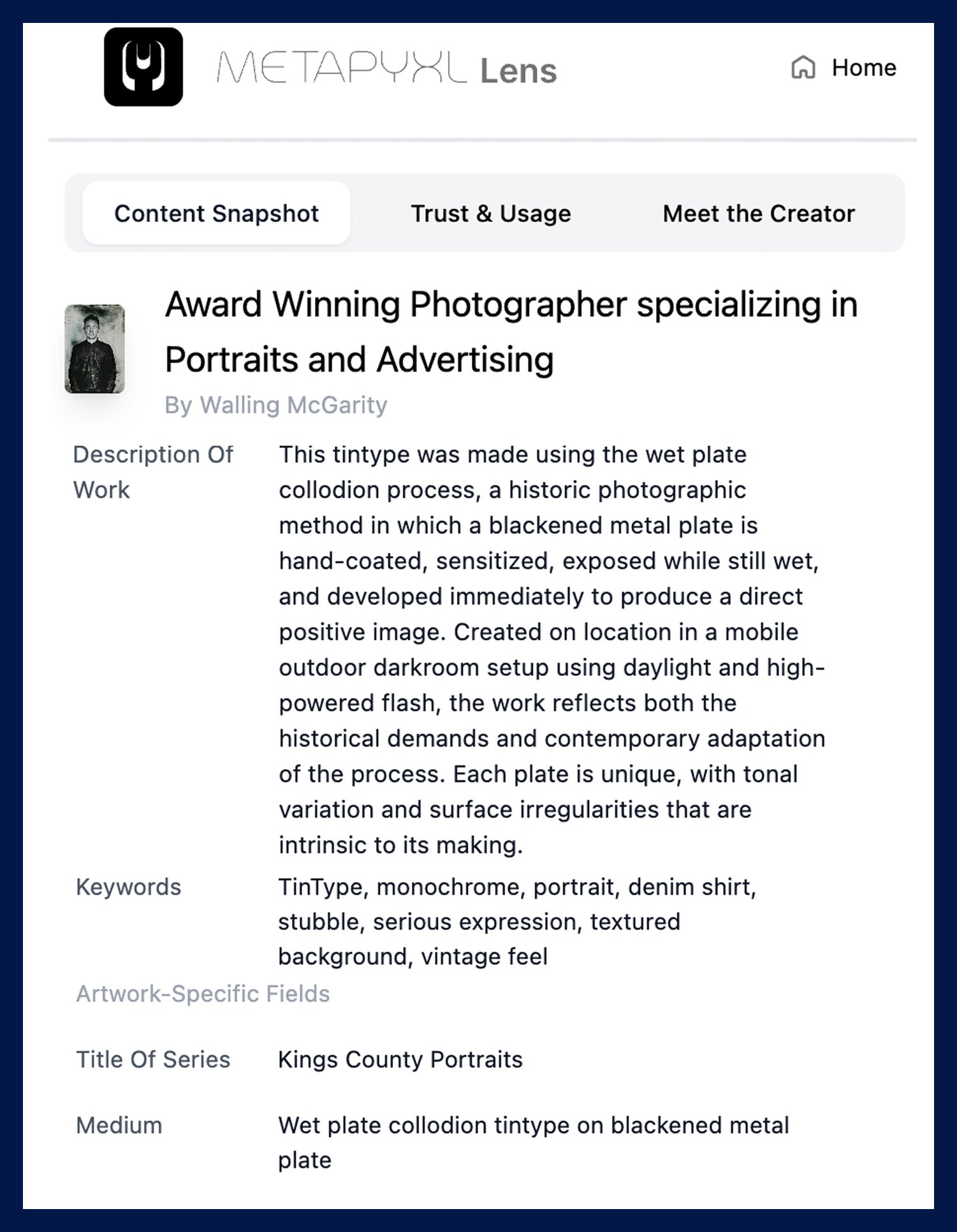
The Content Snapshot tab provides an overview of key metadata, ensuring that every piece of content is traceable and properly attributed.
Key Features:
View the full content record: title, description, creator, keywords, series, and medium.
Extract IPTC metadata and C2PA provenance.
See artwork-specific fields including production details and attribution.
Preserve content integrity with a verifiable ownership record

Trust & Usage
Verify Licensing Terms & Content Rights.
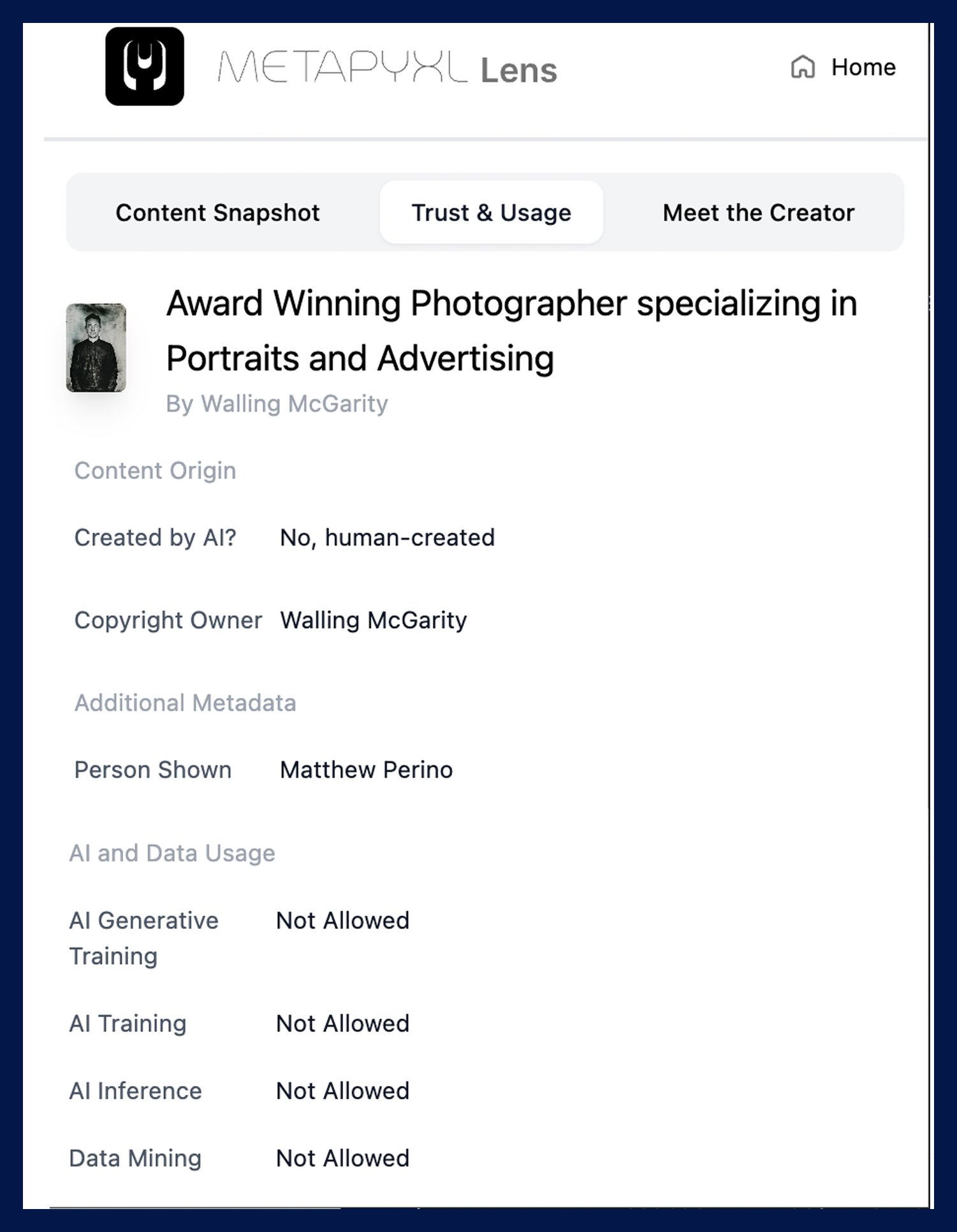
The Trust & Usage tab displays licensing restrictions, copyright ownership, and content permissions, allowing curators and viewers to confirm proper usage before sharing or repurposing content.
Key Features:
See licensing type (Editorial, Commercial, Rights-managed)
Verify whether the image was human-created or AI-generated.
See AI usage permissions: Generative Training, AI Training, AI Inference, and Data Mining, each with a clear allowed or not allowed status.
Access a direct verification link for rights confirmation.

Meet the Creator
Connect Directly with Verified Creators.
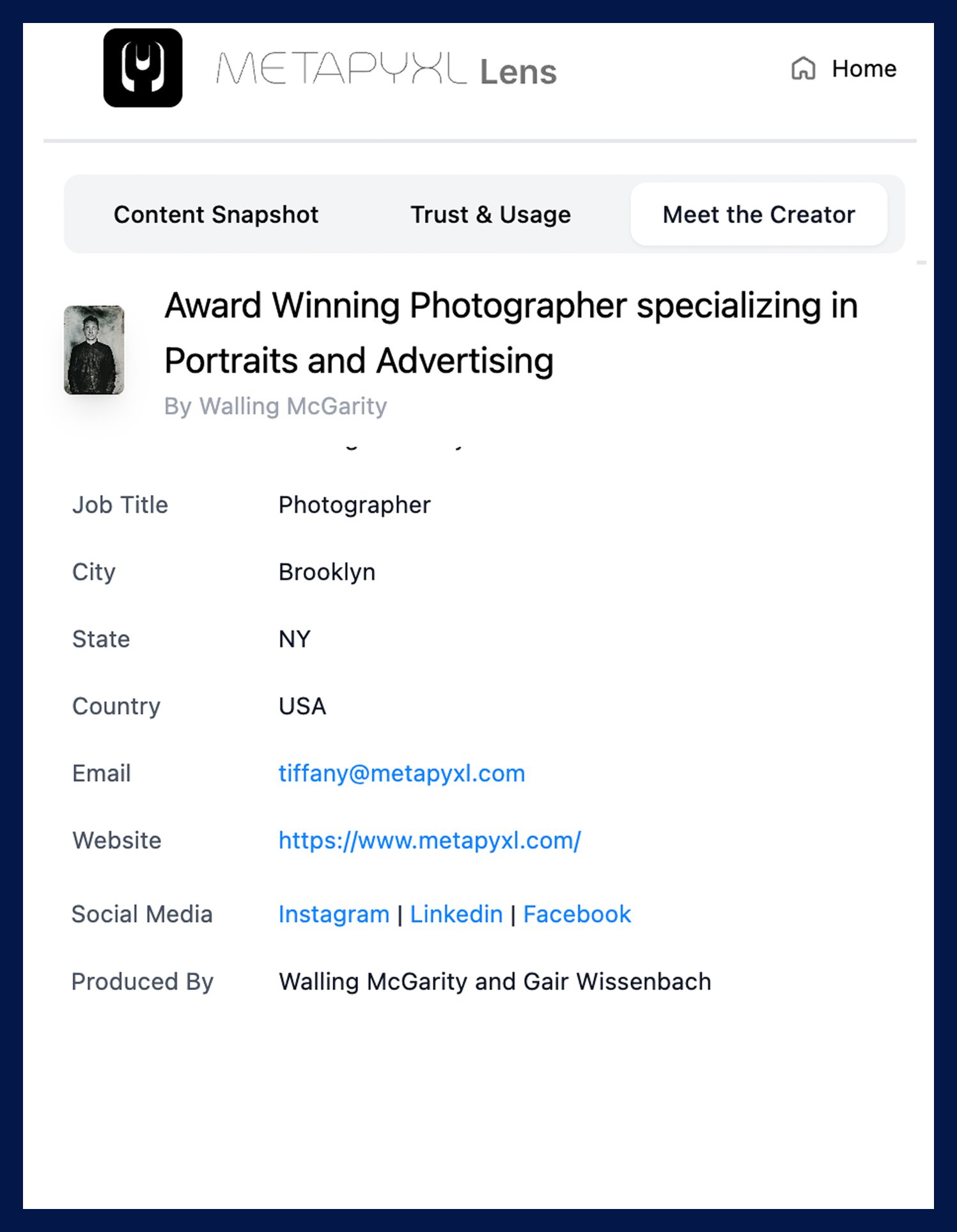
The Meet the Creator tab bridges the gap between creators, curators, and viewers, making it easy to build trust, discover new work, and engage directly with artists.
Key Features:
View the full creator profile: name, job title, location, email, website, and social links.
See production credits including collaborators and produced-by attribution.
Contact the creator or visit their website directly from the extension.
Embedded purchase and licensing links coming soon.